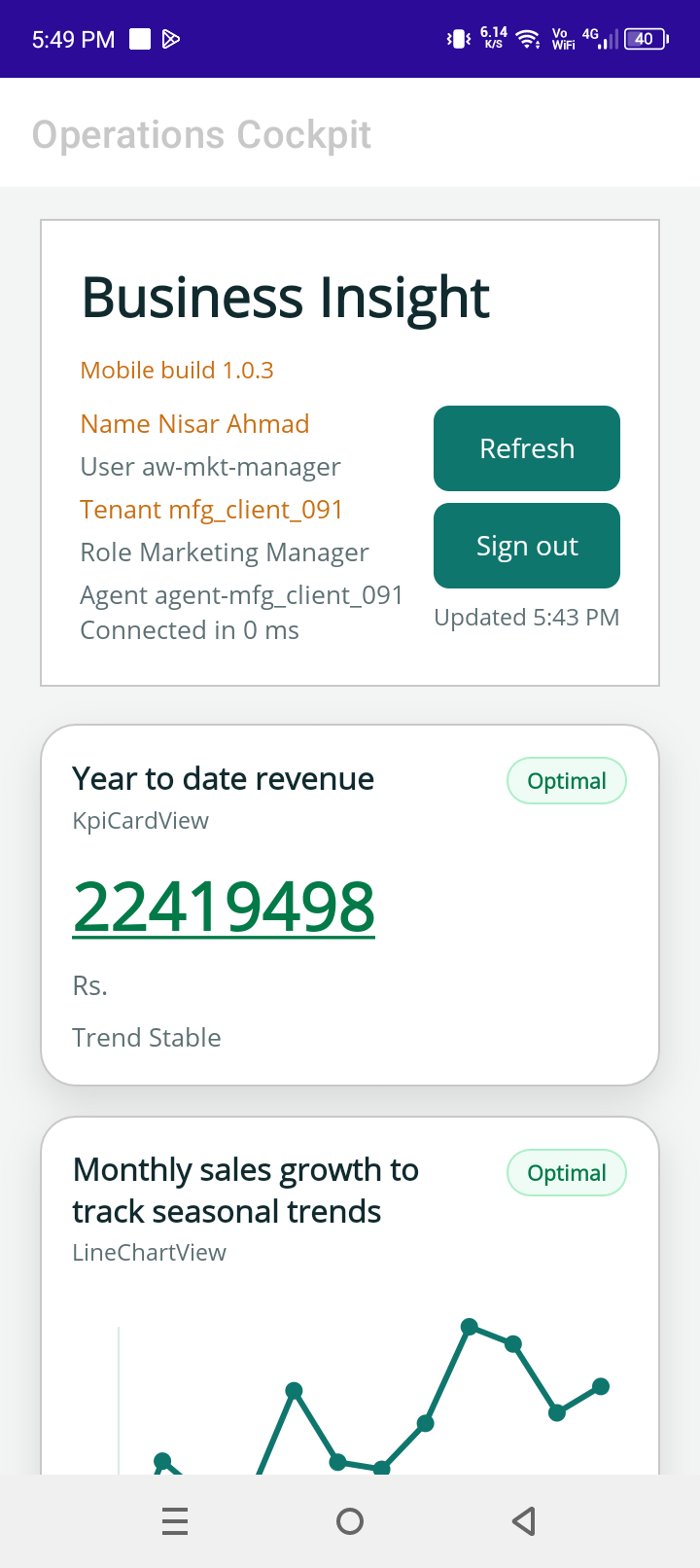
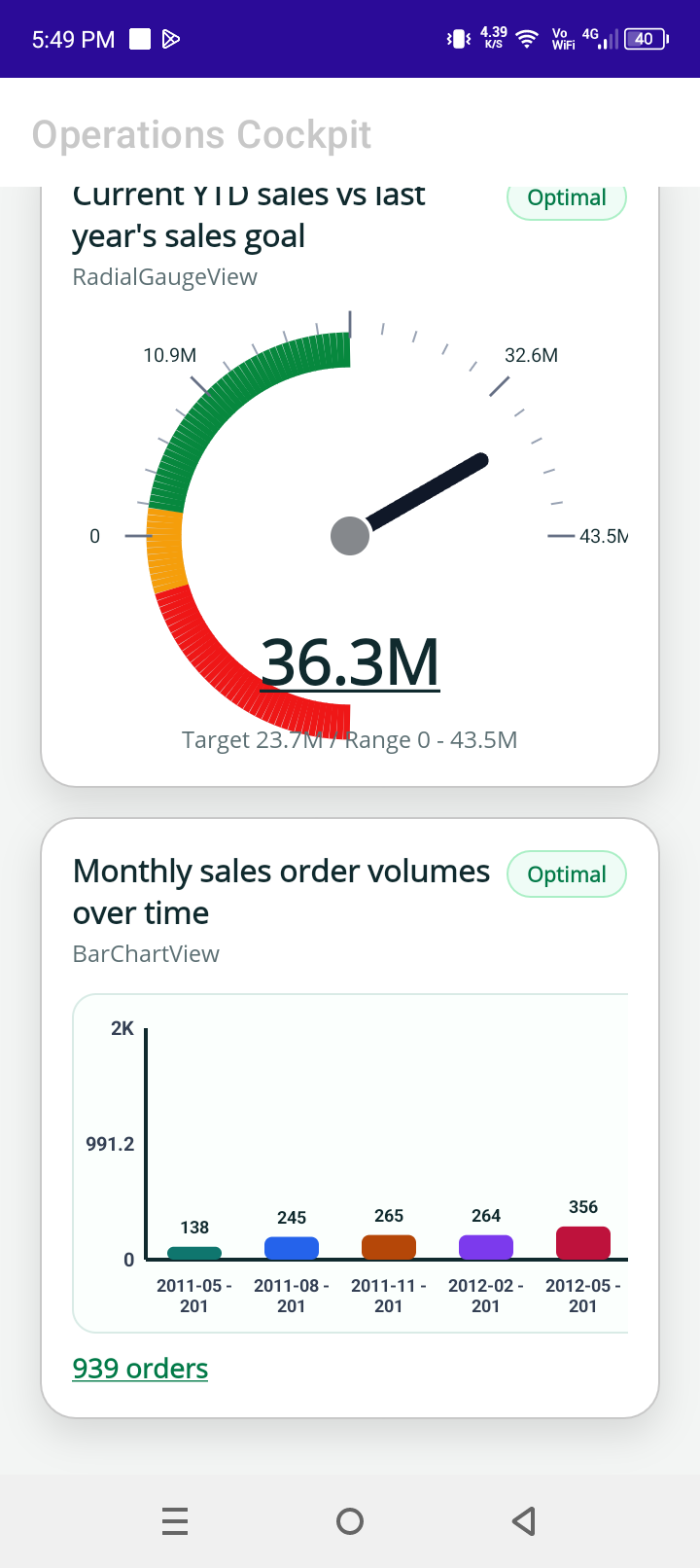
BusinessInsight اردو یوزر گائیڈ
اس گائیڈ میں product screens کو آسان زبان میں سمجھایا گیا ہے: admin sign-in، trial onboarding، roles اور users، dashboard administration، widgets، اور mobile dashboards۔
ہر section پہلے screen دکھاتا ہے، پھر purpose اور actions بتاتا ہے تاکہ business user بغیر technical background کے کام سمجھ سکے۔
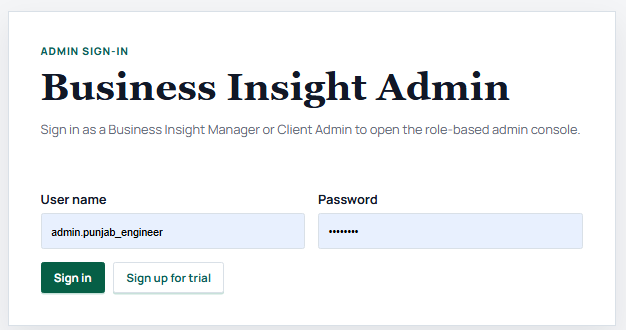
Client Admin - Sign In
Purpose
یہ screen user کو verify کرتی ہے تاکہ company setup، roles، dashboards، اور widgets صرف authorized admin دیکھ سکے۔
استعمال کا طریقہ
- Assigned admin username درج کریں۔
- Setup یا activation کے دوران ملا password درج کریں۔
- Sign in پر click کر کے client admin workspace کھولیں۔
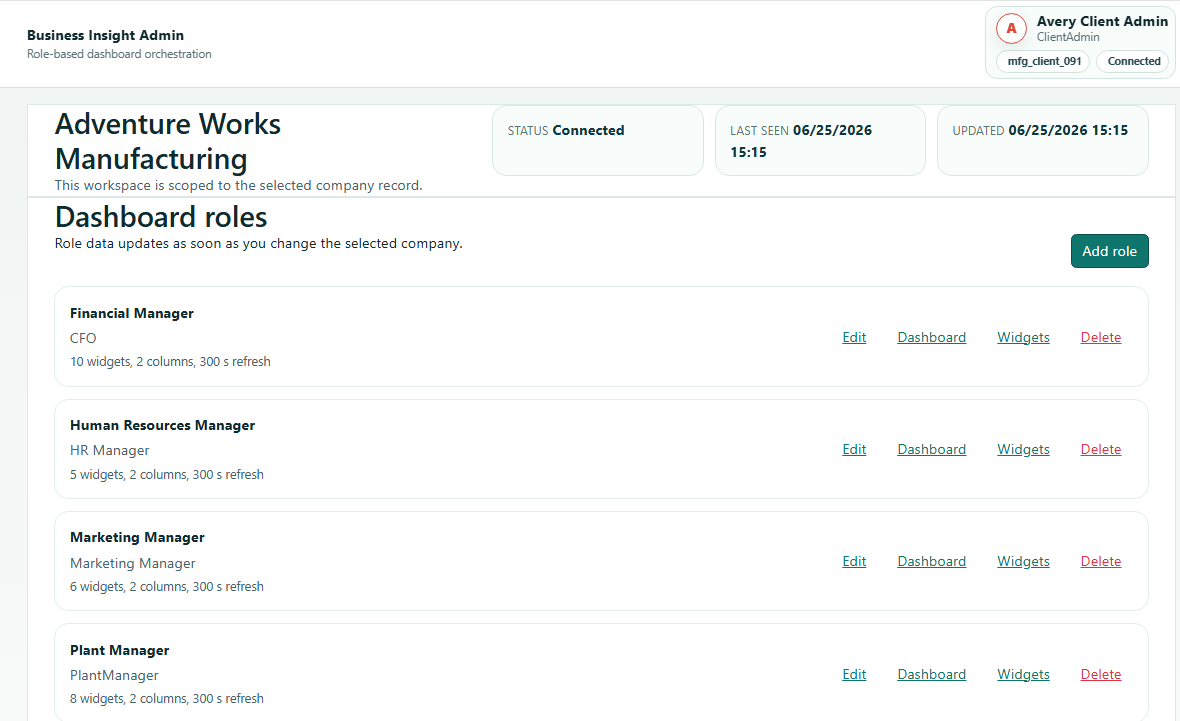
Client Admin - Company Roles and Users
Purpose
Company finance، HR، plant، marketing، owner، یا custom roles کے لیے الگ dashboard experiences بنا سکتی ہے۔
استعمال کا طریقہ
- Available roles review کریں۔
- Role کھول کر users اور dashboard access دیکھیں۔
- ضرورت کے مطابق user add، edit، یا deactivate کریں۔
Client Admin - Edit Role
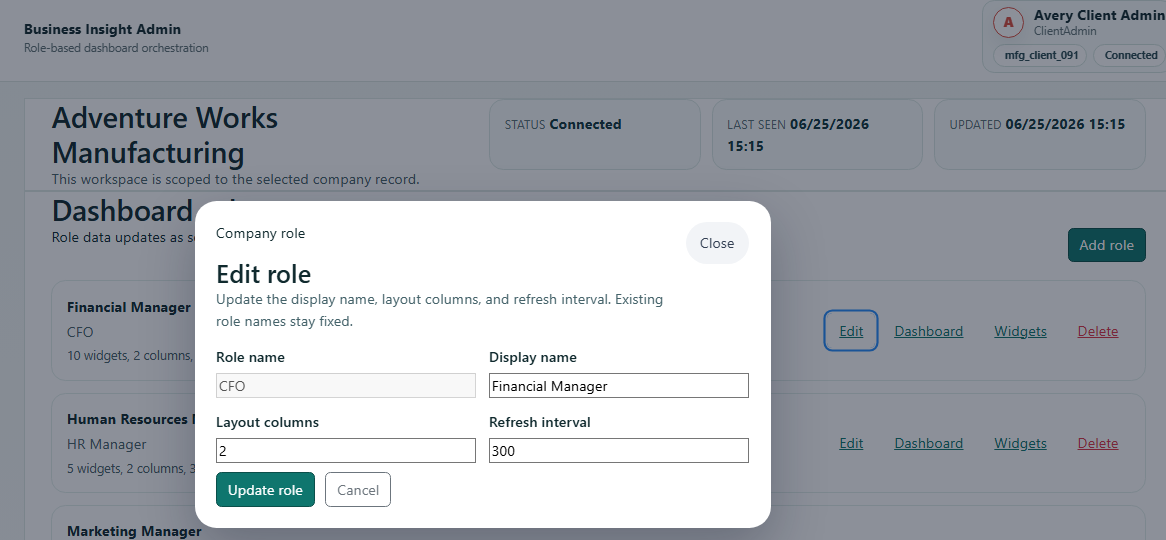
Role name ایسا رکھیں جو customer organization میں آسانی سے سمجھ آئے، پھر save کریں اور users یا dashboards assign کریں۔
Client Admin - Dashboard Administration
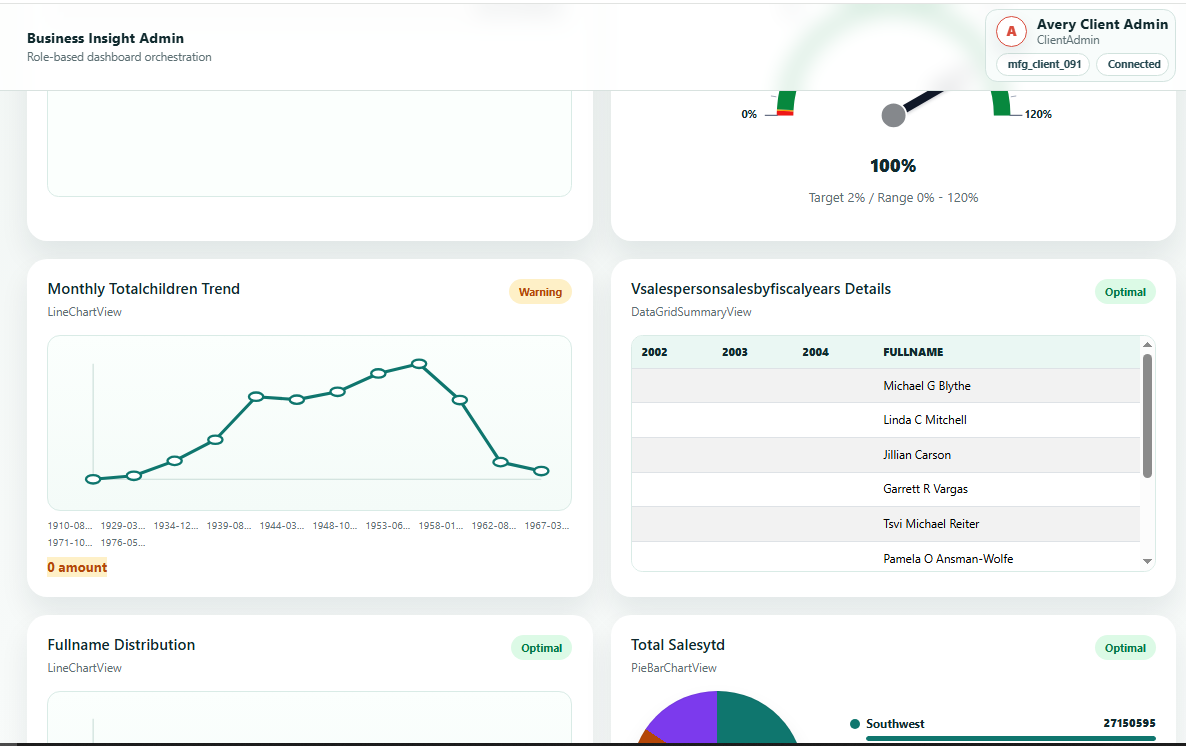
- Role select کر کے assigned dashboard preview کریں۔
- Check کریں کہ widgets اسی manager کی responsibility سے match کرتے ہیں۔
- Users کو publish کرنے سے پہلے layout اور business meaning validate کریں۔
Role Dashboards
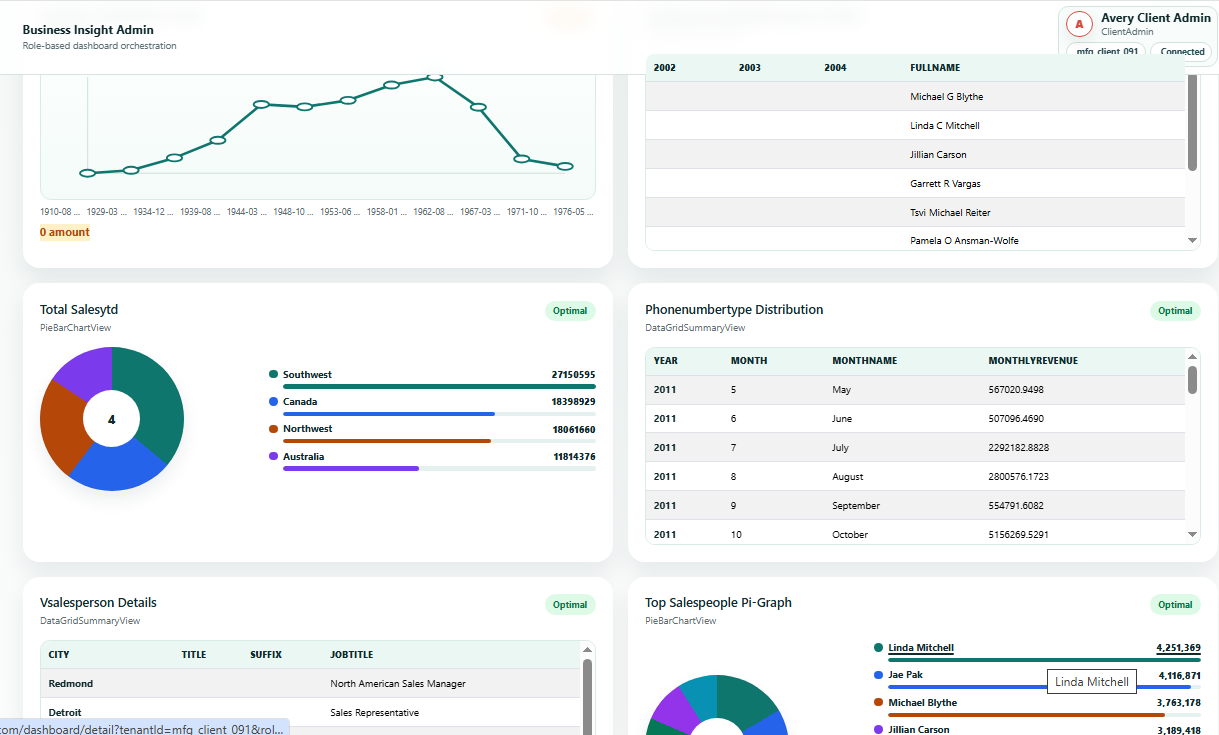
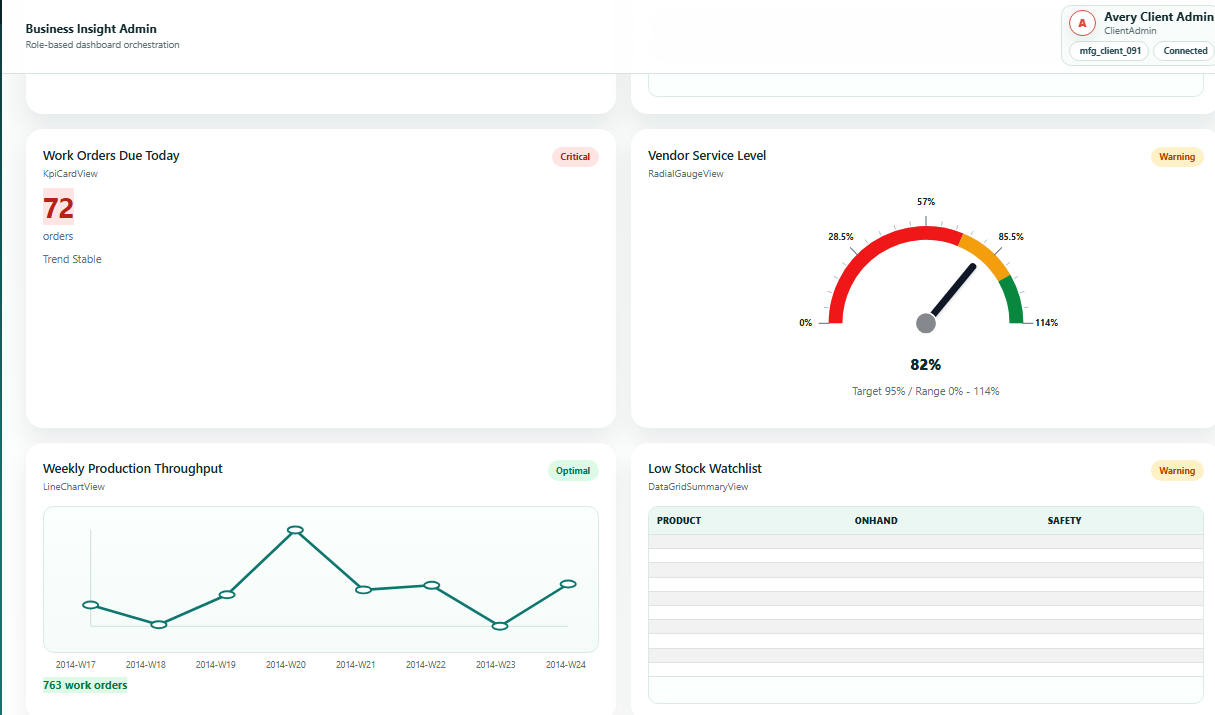
ہر role کو اپنے کام کے مطابق KPIs، charts، اور details ملتی ہیں۔ Finance dashboard revenue اور receivables پر focus کر سکتا ہے، HR dashboard attendance اور staffing پر، plant dashboard production اور downtime پر، اور marketing dashboard sales movement پر۔
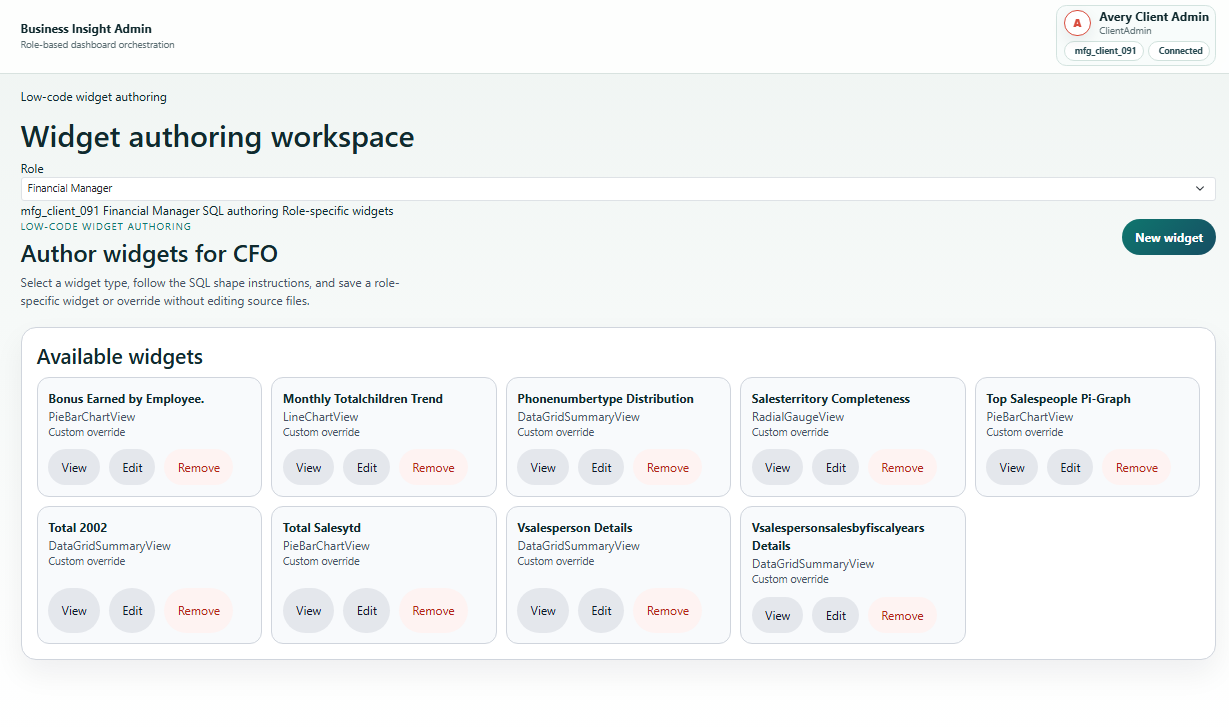
Client Admin - Widget Workshop
Purpose
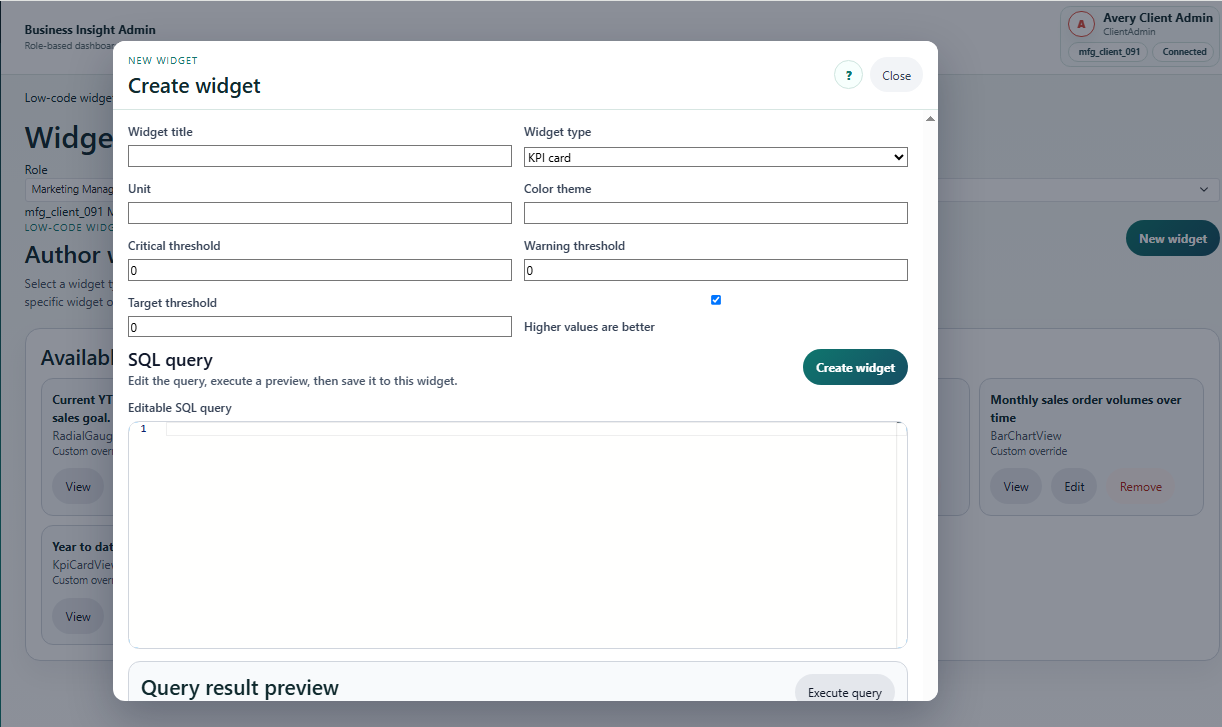
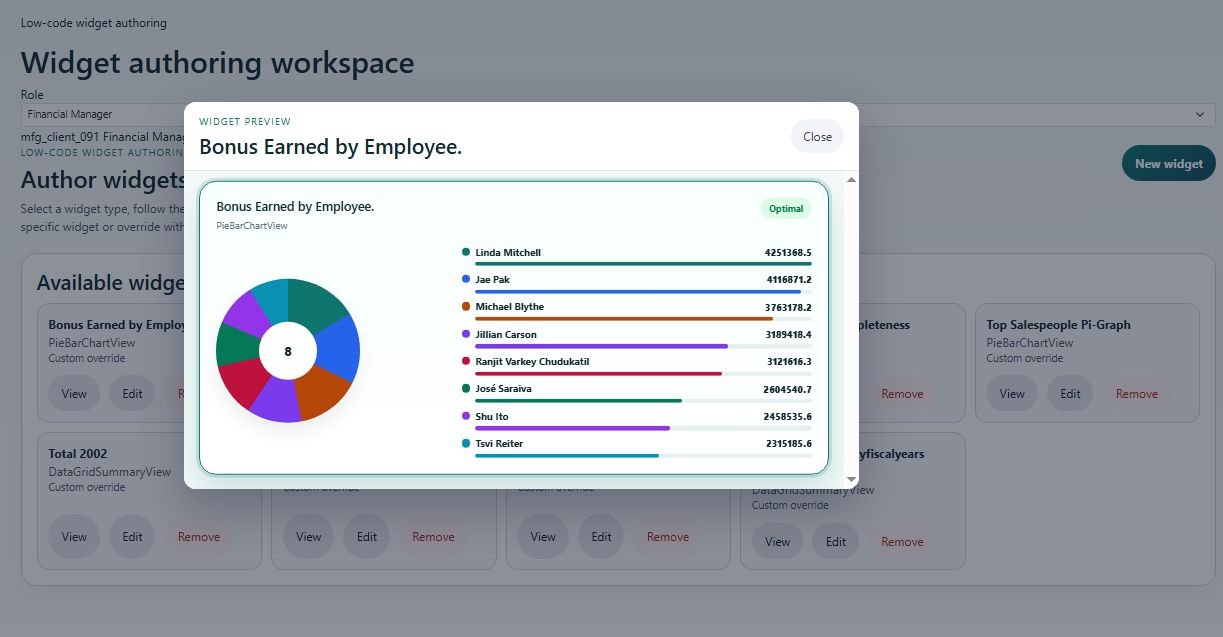
Widget ایک business question کو visual form میں دکھاتا ہے، جیسے card، line chart، radial gauge، bar chart، pie chart، یا summary view۔
استعمال کا طریقہ
- Role، title، یا status سے widgets filter کریں۔
- Existing widget open کر کے query اور display type verify کریں۔
- New KPI یا chart کے لیے new widget create کریں۔
Mobile User - Login Screen
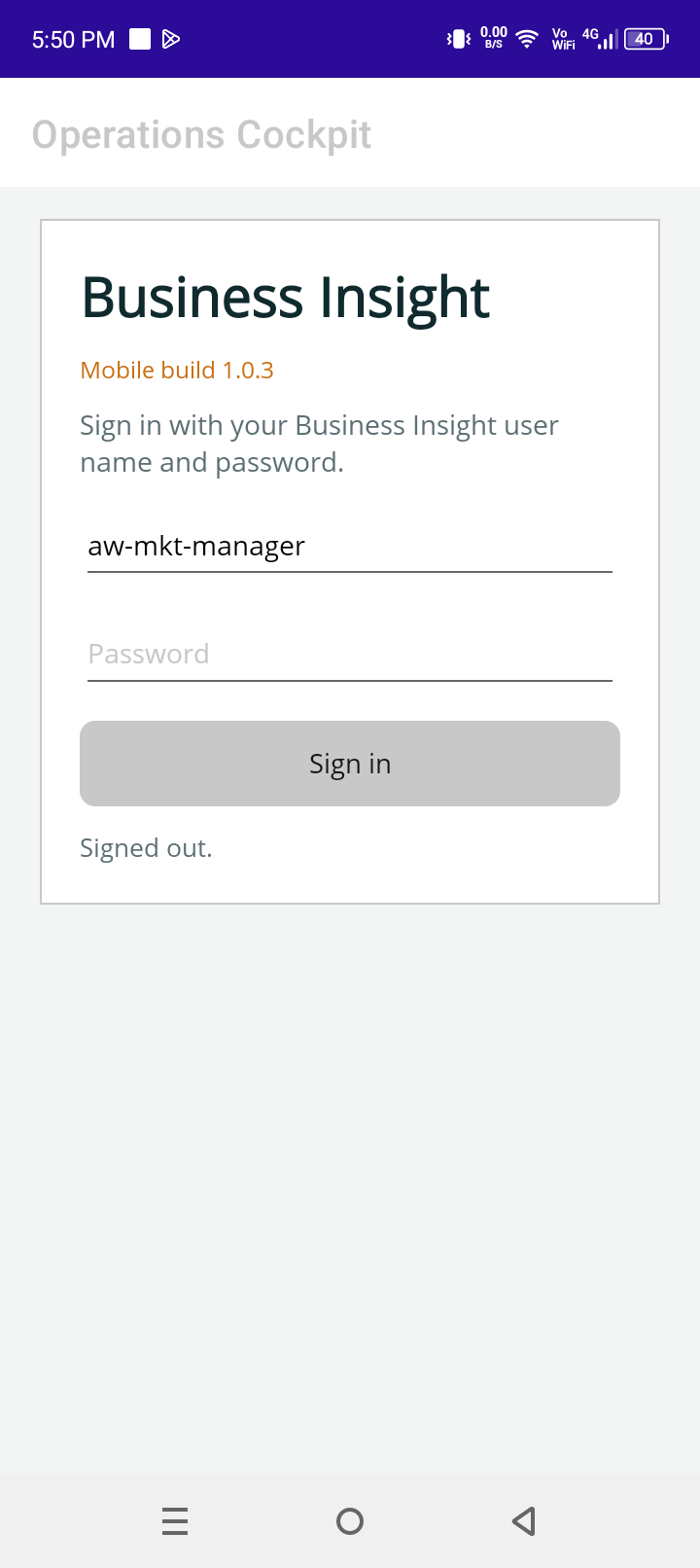
User اپنے tenant اور role کے مطابق dashboard open کرتا ہے، مثلاً owner، finance manager، plant manager، یا sales user۔
Mobile Dashboard Cards and Charts