Two-Way Mobile Updates for Existing Business Systems
BusinessInsight is not limited to viewing data. Approved mobile users can update operational workflows from the field, and those changes can synchronize back into the central business system through controlled routines.
High-Value Two-Way Communication Scenarios
 01
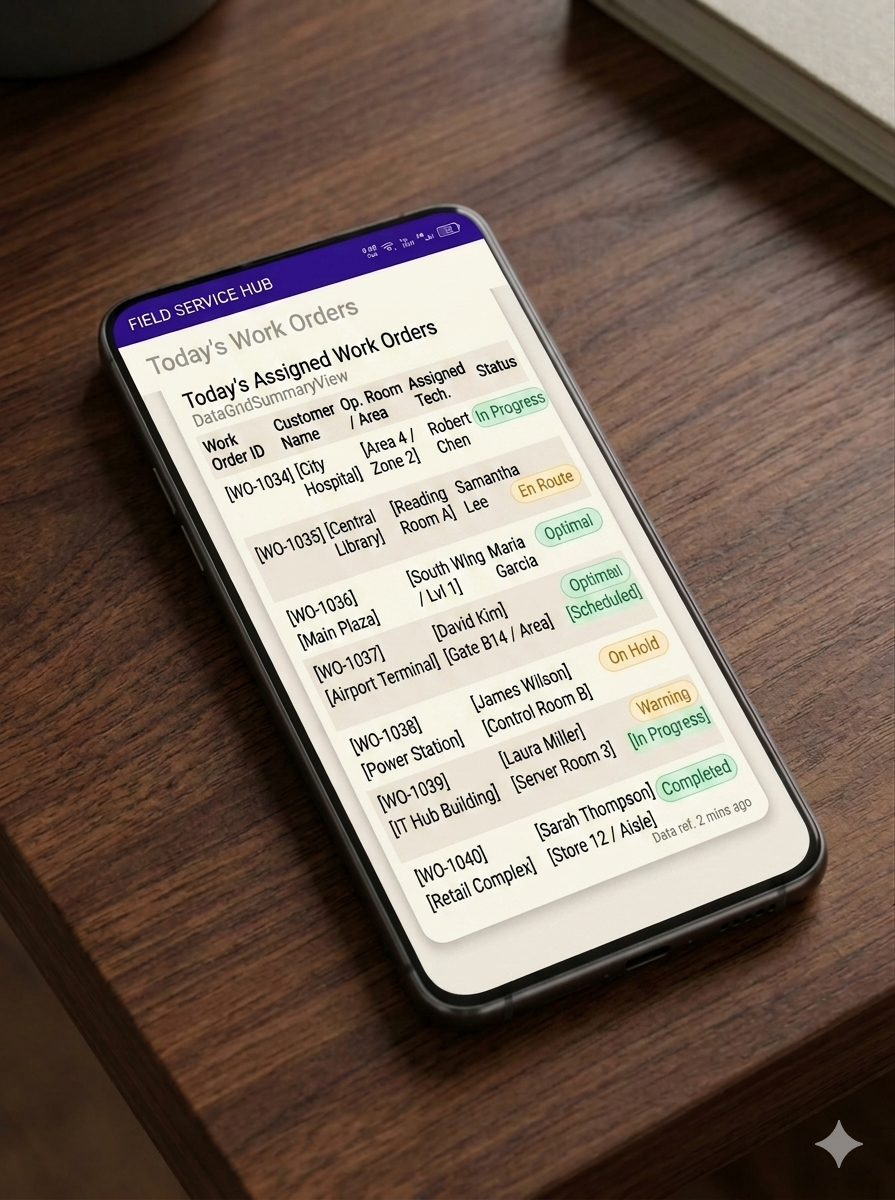
01Field Service Closure
Technicians update parts, labor hours, job status, and customer sign-off from the mobile work-order view.
 02
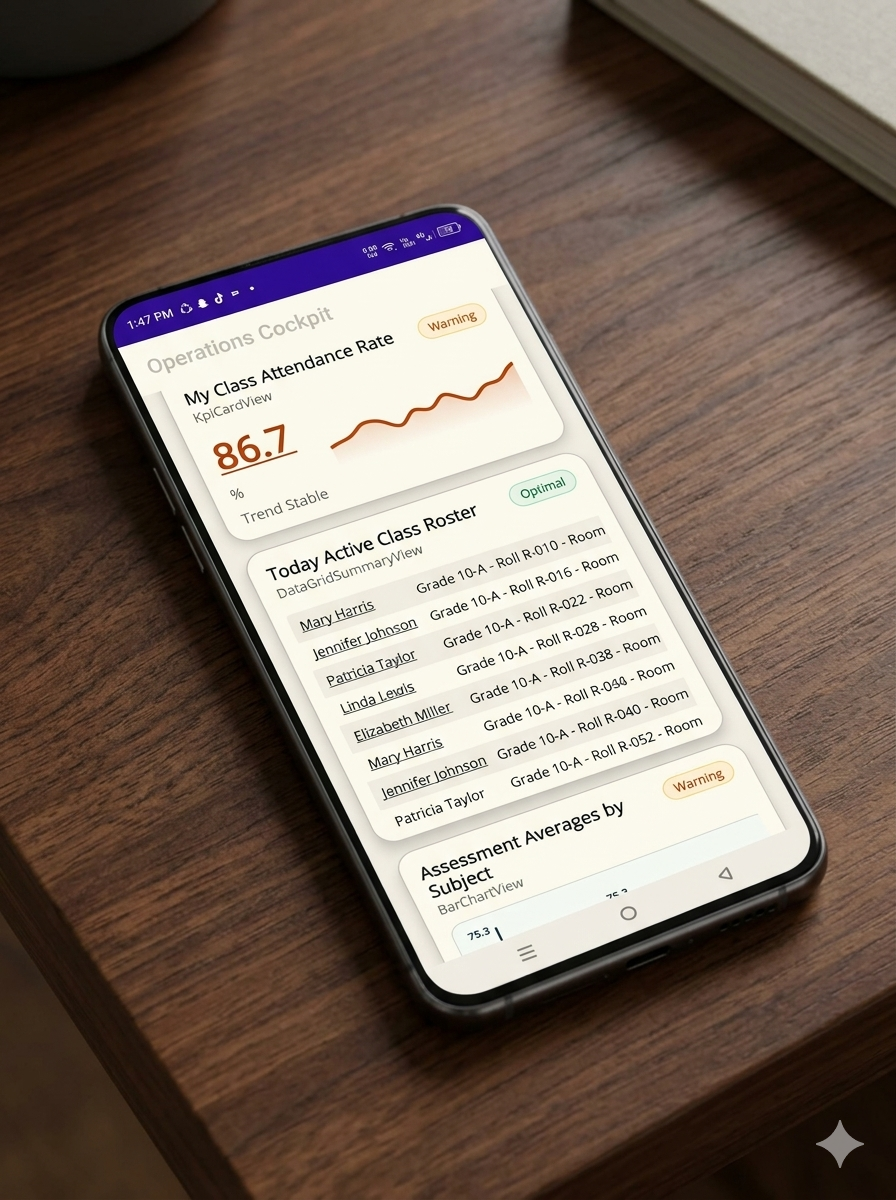
02Teacher Attendance and Grades
Teachers mark attendance, enter test scores, and raise notes that reach administration and parents faster.
 03
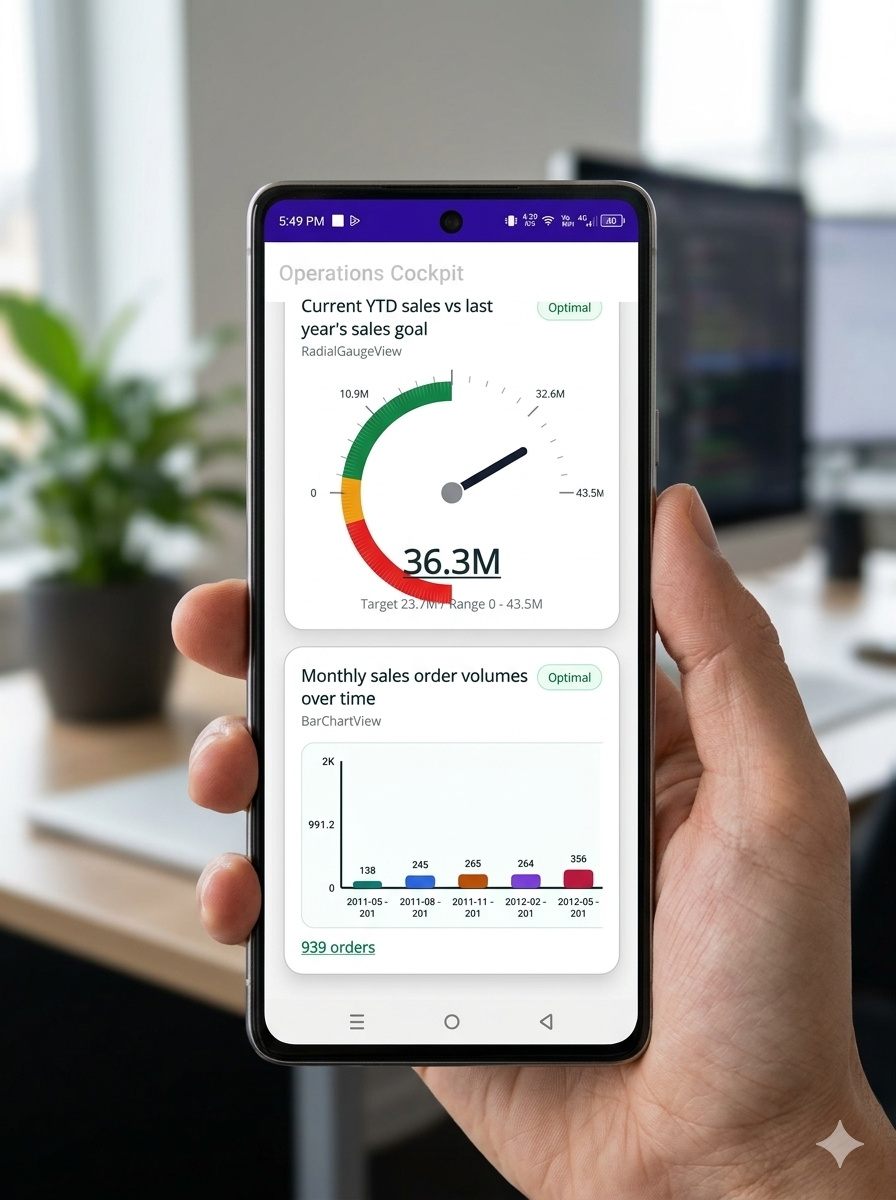
03Sales Orders and Collections
Field representatives book orders, check balances, and record collections while visiting customers.
 04
04Production and Quality Logs
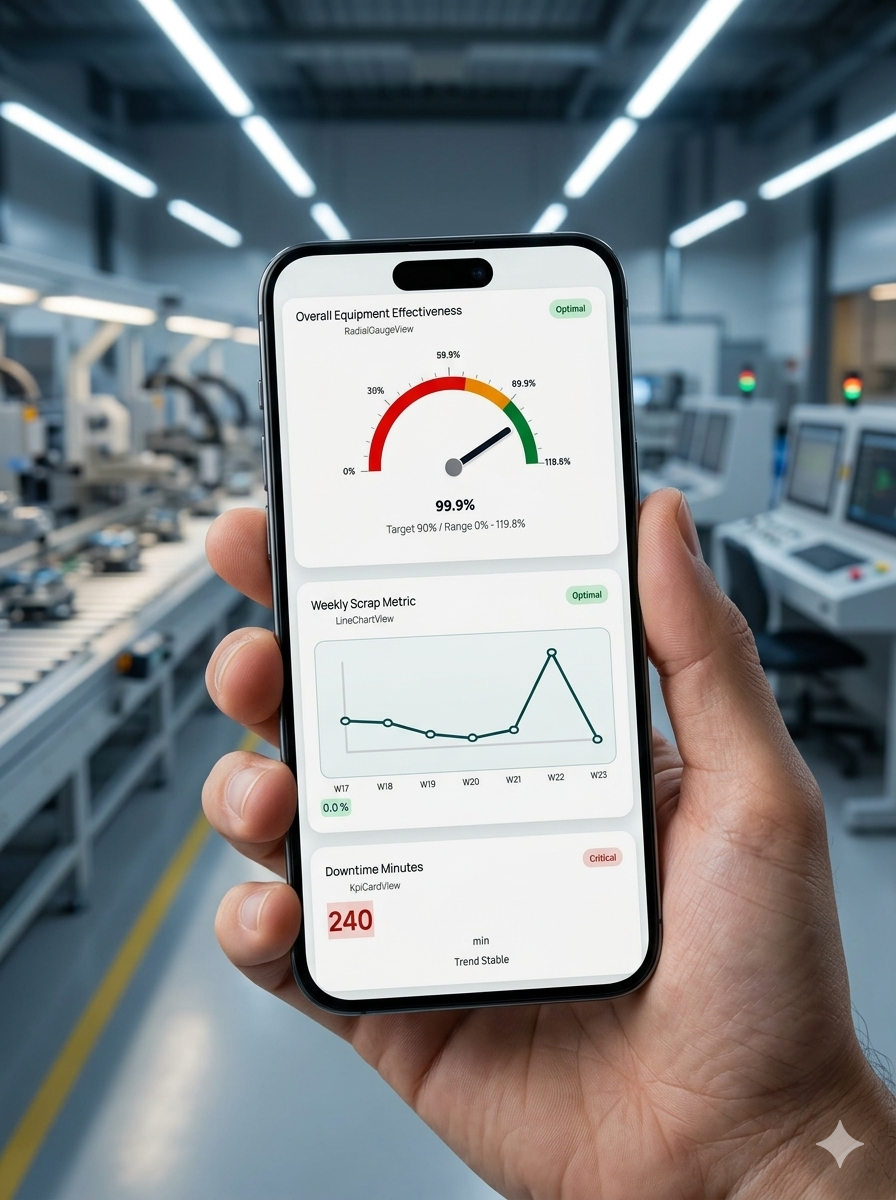
Supervisors log downtime, maintenance issues, batch defects, and floor updates from mobile screens.
Writeback Controls
Two-way workflows should be treated differently from reporting widgets. They need explicit approval, narrow forms, validation rules, role restrictions, and audit expectations before live use.
- Start with read-only dashboards before enabling any writeback workflow.
- Use role-specific forms so users can update only the records they are responsible for.
- Validate data types, required fields, ranges, and allowed status transitions.
- Execute updates through reviewed routines or whitelisted transactional handlers.
- Test against a sample company or staging dataset before production rollout.
Next Step
For technical safeguards, read Query Validation and Bi-Directional Safety. For deployment order, continue with the BusinessInsight Deployment Sequence.